The question
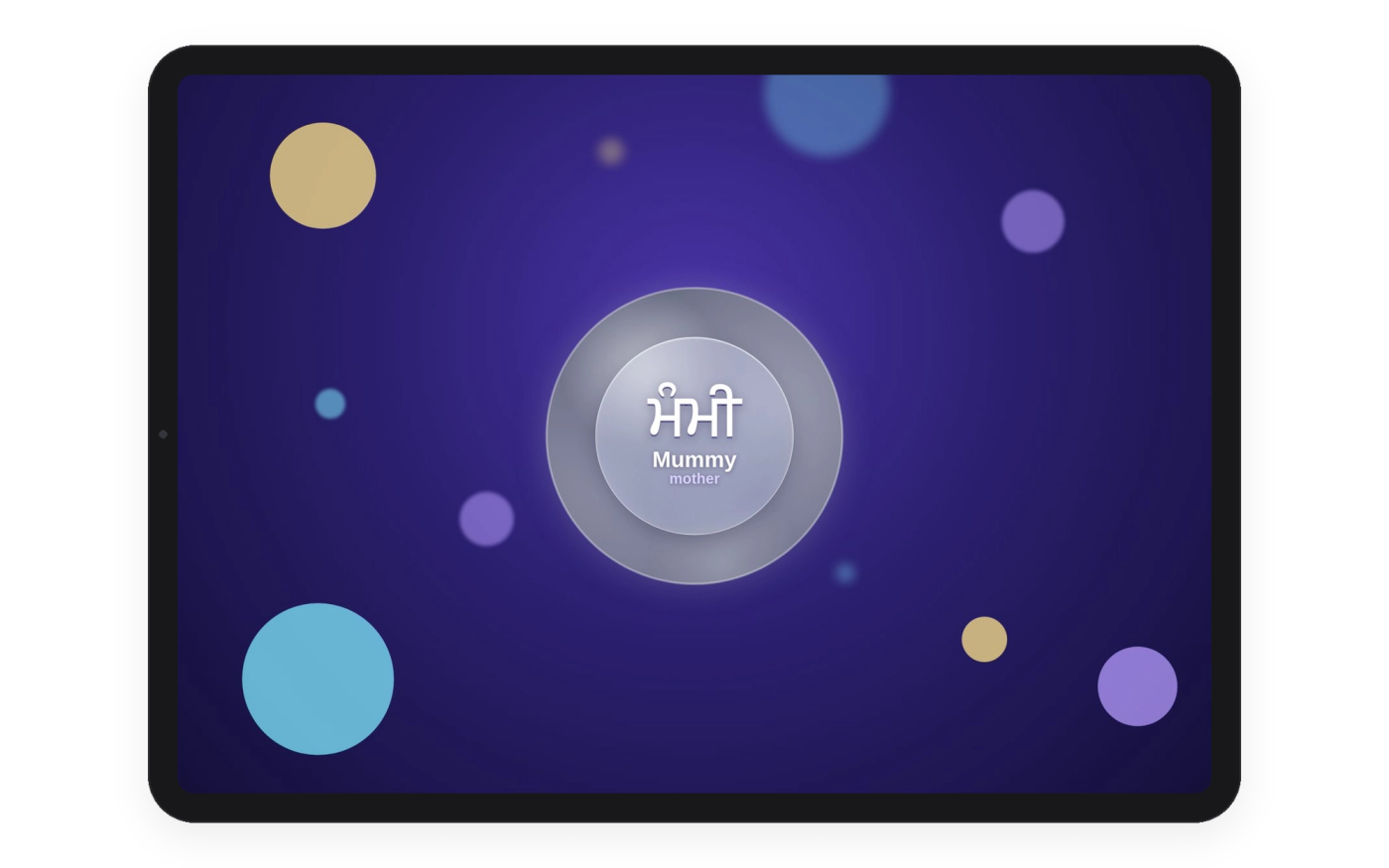
Can speech recognition understand a three-year-old saying Punjabi words? Most models learn from adult voices, and toddlers are their own dialect. I built a small app on the iPad we already had to find out.
- Chirp 3Google speech model, Punjabi
- 0recordings saved
- ~$0when nobody's playing
- 1iPad we already had
How it works
in plain words
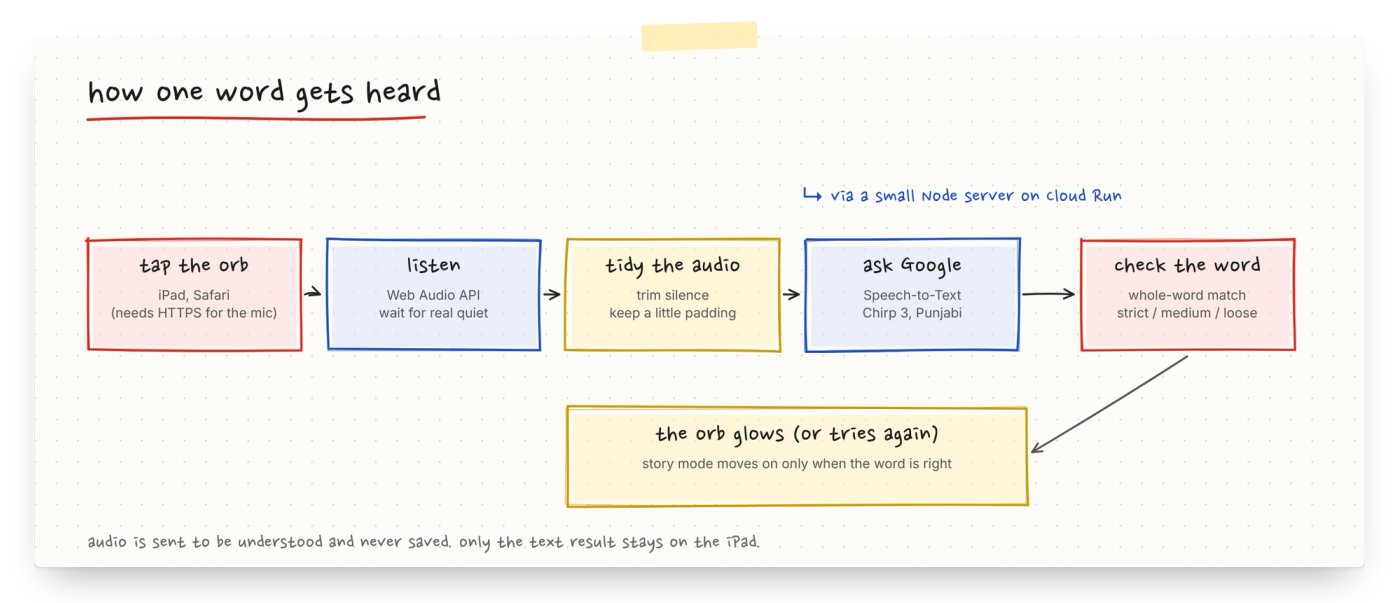
Tap the glowing orb and say the word. The iPad listens, tidies up the recording, and asks Google's speech model what it heard. If it's the right word, the orb lights up.
under the hood
- An Angular front end runs in the iPad's browser. A small Node and Express server sends the page and passes audio on to Google Speech-to-Text, using its Chirp 3 model for Punjabi.
- The page records with the Web Audio API and sends only the stretch where someone is actually talking.
- Every word lives in one plain file: the Gurmukhi spelling, English letters, meaning, and the versions that count. Changing the list never means touching the code.
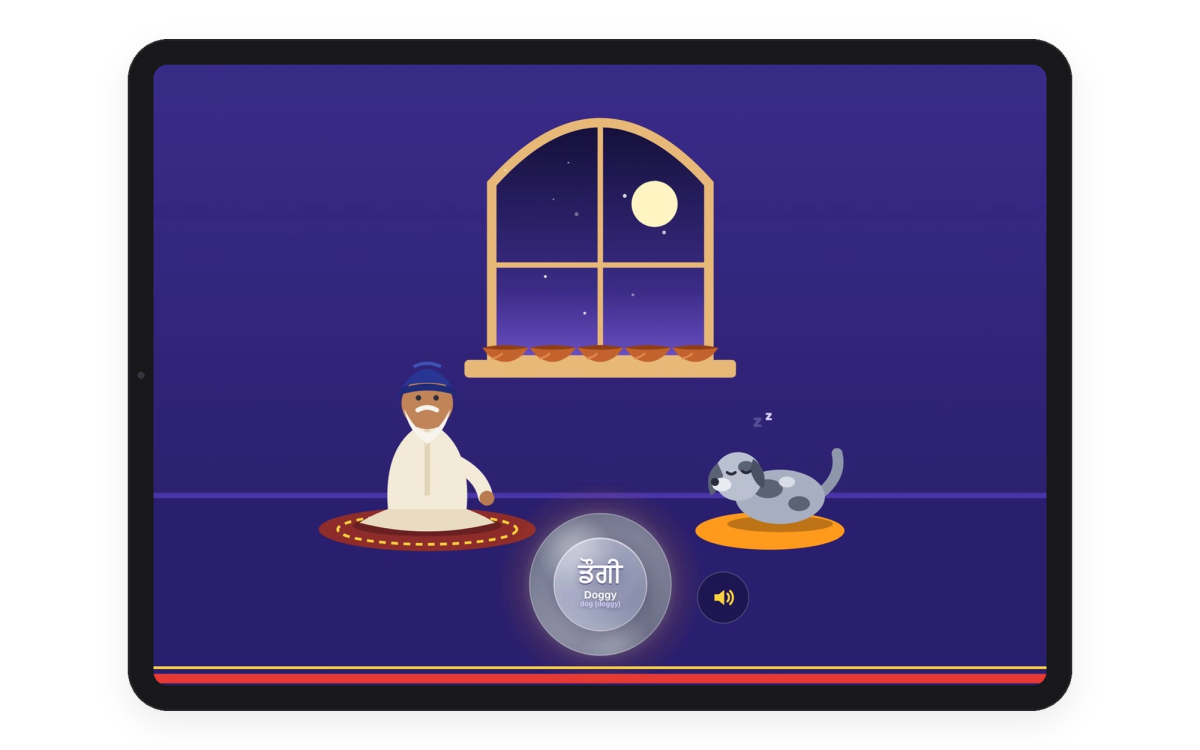
Story mode tells Bandi Chhor Divas in drawn SVG scenes, with Dada Ji narrating.
The story waits for the right word before it moves on, so every word comes with a reason to say it.
Teaching it to listen to a toddler
This was most of the work, and the part I enjoyed most.
in plain words
Little kids pause, repeat themselves and start again. Speech tools expect clean, confident sentences. So the app does a lot of patient listening before it sends anything.
under the hood
- Skip the first moment after a tap, because a finger on glass is loud.
- Measure the room for a beat, then play a soft "go" sound so there's a clear start.
- Wait well over a second of quiet before deciding they're done.
- Trim the silence and keep a little padding either side before sending.
- Match whole words only, so a short word can't sneak a match inside a longer one, and only the respectful forms count.
- "Sounds close enough" matching, with Strict, Medium and Loose levels a grown-up can choose.
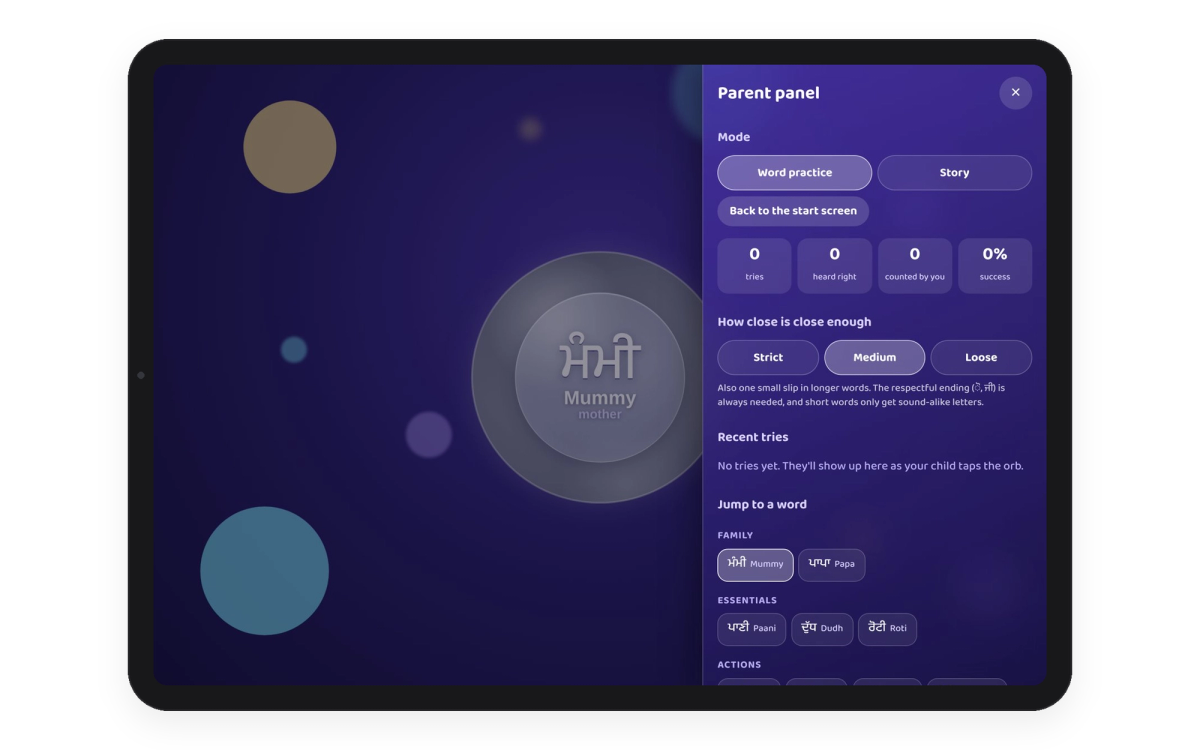
A hidden parent panel shows exactly what was heard, with tallies for every word.
"Count it" and "Always accept" teach the app new versions of a word, so it gets better at hearing this particular kid.
Shipping it
in plain words
It runs on Google's cloud behind a family passcode, and it costs about nothing because it switches itself off when nobody's playing.
under the hood
- An iPad only lets a web page use the mic over HTTPS, so it runs on Google Cloud Run from a two-stage Docker build that scales to zero.
- A passcode lock keeps it in the family. The cookie proves the passcode was entered without storing the passcode itself.
- The app runs as its own service account that can use Speech-to-Text and nothing else.
- Audio is sent to be understood and never saved. Results stay on the iPad as text.
What I learned
- The model was the easy part. The listening around it is what made it work.
- Keep content in plain files so the people who know the words can change them.
- Build in small pieces. Each one was its own pull request, built pairing with Claude, and the app was usable after every one.